


For individuals seeking to regain control over their incoming calls, Calls Blacklist – Call Blocker offers a robust and efficient solution. This Android application effectively filters out unwanted calls from telemarketers, spammers, and other nuisance numbers. It is an ideal tool for anyone looking to minimize interruptions and protect their privacy without needing advanced technical knowledge.
Intelligent Automatic Call Blocking
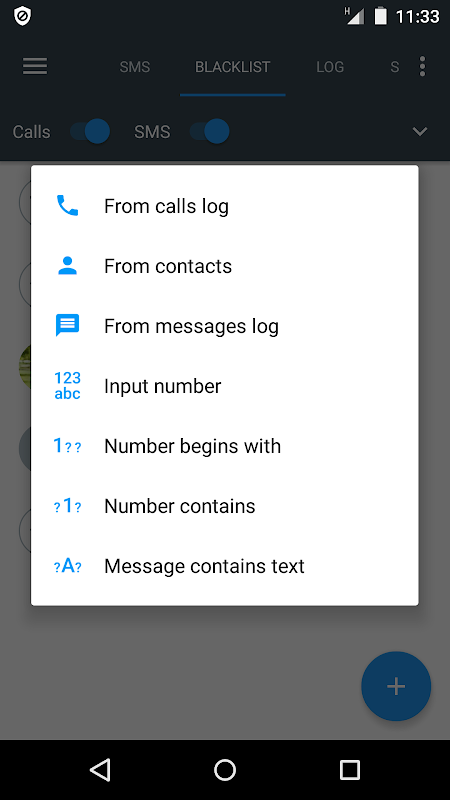
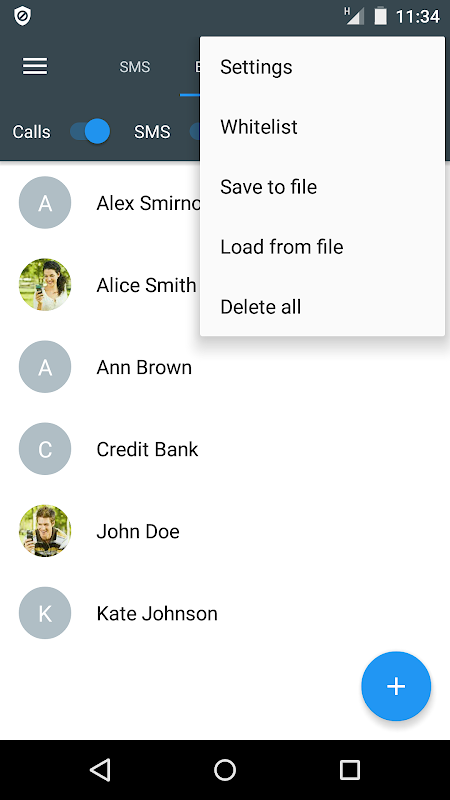
The app operates seamlessly in the background to intercept calls from numbers on your blacklist. You can easily add numbers manually or from your call log and contact list. Once a number is blocked, the call is silently declined, preventing any disruption to your day.
Flexible List Management Options
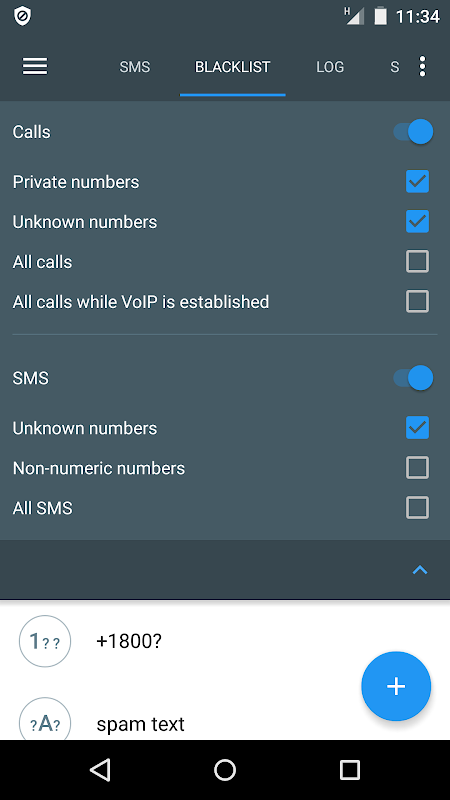
Beyond manual entries, the application supports creating custom blacklists based on specific criteria. You can block entire number prefixes, private or unknown numbers, and even contacts not saved in your address book. This granular control ensures you only receive calls you actually want to answer.
Intuitive and User-Friendly Design
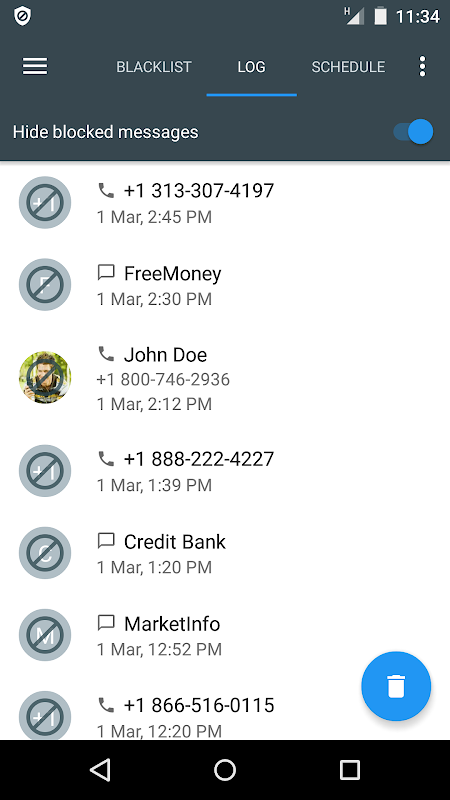
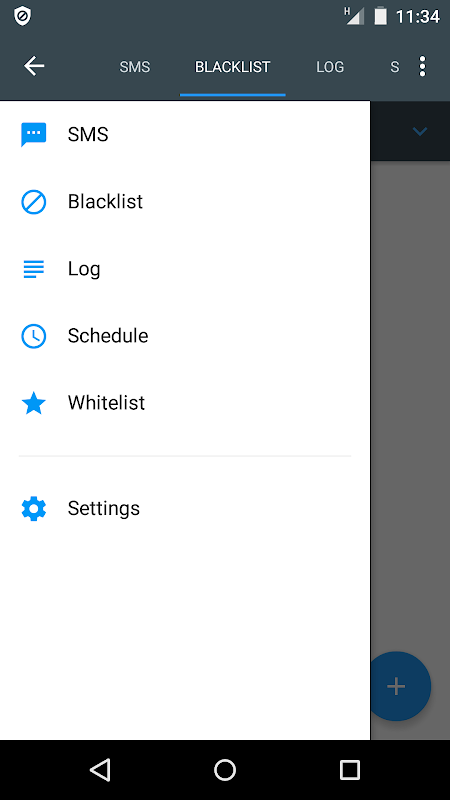
Navigating the app is straightforward, with a clean layout that makes setting up your blocklist a simple process. All primary functions are accessible from the main screen, allowing you to manage your blocked numbers and review the app’s activity log with just a few taps.
Reliable SMS Filtering Capabilities
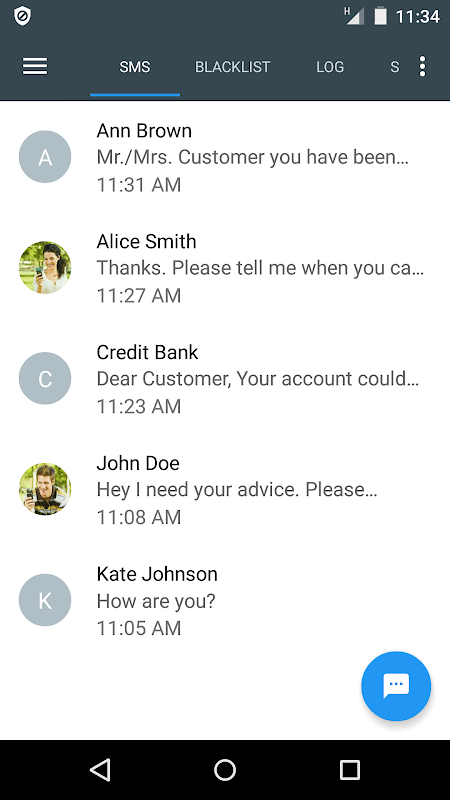
In addition to call management, the app extends its filtering power to text messages. You can create separate rules to block SMS messages from specific senders or containing certain keywords. This provides a comprehensive defense against all forms of mobile spam.
Silent Operation and Privacy
The app is designed to work unobtrusively without draining your battery. It runs efficiently, ensuring that blocked calls do not ring or cause notifications. Your blocklists and settings are stored locally on your device, giving you full control over your data.
Frequently Asked Questions
The app primarily relies on the blocklists you create manually. It uses your defined rules to screen incoming calls and messages, giving you direct control over what is filtered.
From the caller’s perspective, it will typically ring a few times before going to voicemail, similar to an unanswered call. The app does not send any specific notification that they have been blocked.
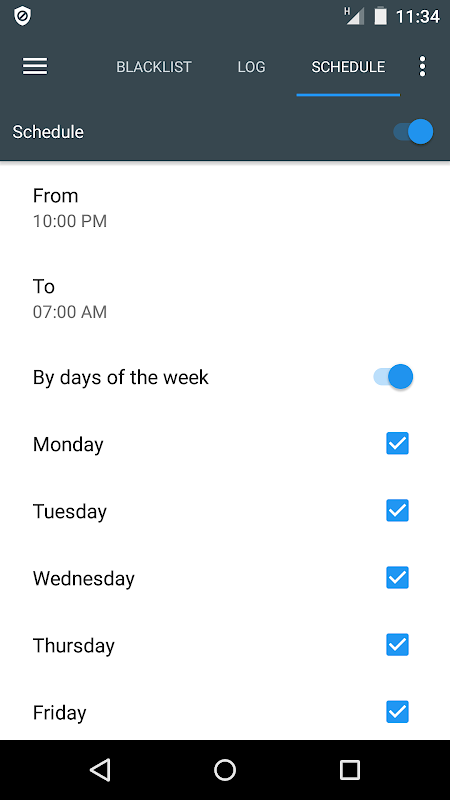
Yes, the app includes a scheduling feature that allows you to set specific time periods for call blocking to be active, such as during your sleeping hours or work meetings.
The core call blocking functionality operates locally on your device and does not require an active internet connection to screen and block incoming calls based on your lists.






Leave a Comment